
Transitions Transition Motion zoom punch motion energetic
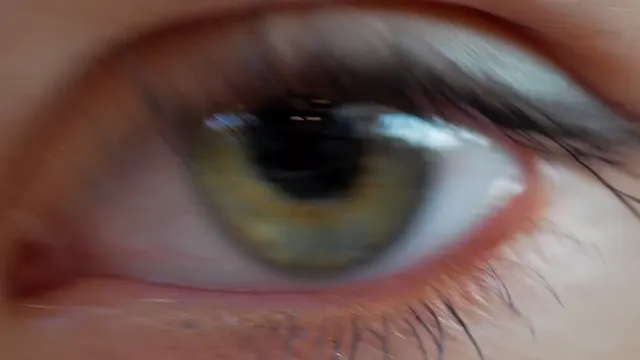
Zoom in transition Pushes into this clip, arrives zoomed into the next, and settles: a cross zoom.
- Kind
- Transition
- Style
- Motion
- Works in
- Any aspect ratio
- Price
- Included on all plans
Preview
How to use it
Ask CoDirector
Say it in your own words, in the prompt box of any project. CoDirector does the rest.
“Put a zoom in transition between the clips in my video”
In the editor
- Click the cut between two clips on your timeline.
- Open Transitions.
- Pick Zoom in and set its length.
More transitions
 Slide
The next clip slides in over this one from the edge. The direction is yours.
Slide
The next clip slides in over this one from the edge. The direction is yours.
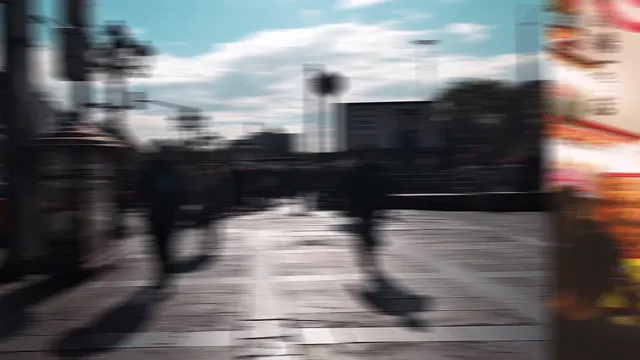 Push
The next clip pushes this one out of frame. The two move together, edge to edge.
Push
The next clip pushes this one out of frame. The two move together, edge to edge.
 Whip
A fast whip pan: both clips streak past under heavy motion blur and the next one lands sharp.
Whip
A fast whip pan: both clips streak past under heavy motion blur and the next one lands sharp.
 Zoom out
Pulls back through this clip into the next, which arrives magnified and settles: the cross zoom in reverse.
Zoom out
Pulls back through this clip into the next, which arrives magnified and settles: the cross zoom in reverse.
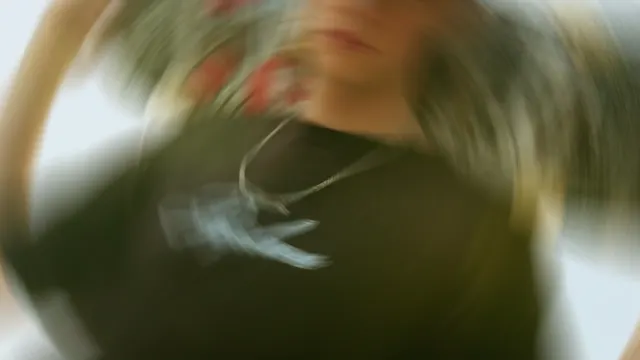 Spin
This clip spins out and the next spins in, scaled so no corners show.
Spin
This clip spins out and the next spins in, scaled so no corners show.
 Crossfade
The next clip fades in over this one: a soft, invisible cut.
Crossfade
The next clip fades in over this one: a soft, invisible cut.