
Transitions Transition Effects flash white pop camera energetic

Flash transition Blows out to a bright flash at the cut and settles into the next clip: a camera-flash pop, not a fade.
- Kind
- Transition
- Style
- Effects
- Works in
- Any aspect ratio
- Price
- Included on all plans
Preview
How to use it
Ask CoDirector
Say it in your own words, in the prompt box of any project. CoDirector does the rest.
“Put a flash transition between the clips in my video”
In the editor
- Click the cut between two clips on your timeline.
- Open Transitions.
- Pick Flash and set its length.
More transitions
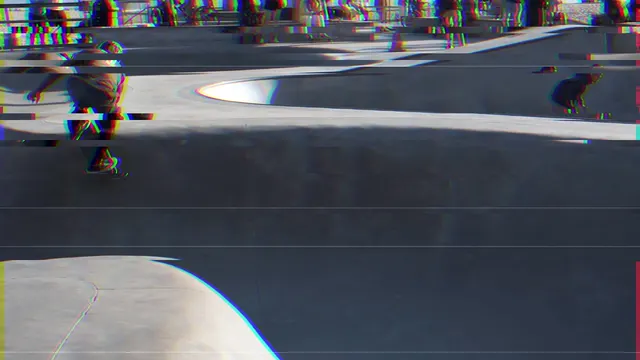 Glitch
The picture tears, splits into colour channels and flickers into the next clip: a corrupted-signal cut.
Glitch
The picture tears, splits into colour channels and flickers into the next clip: a corrupted-signal cut.
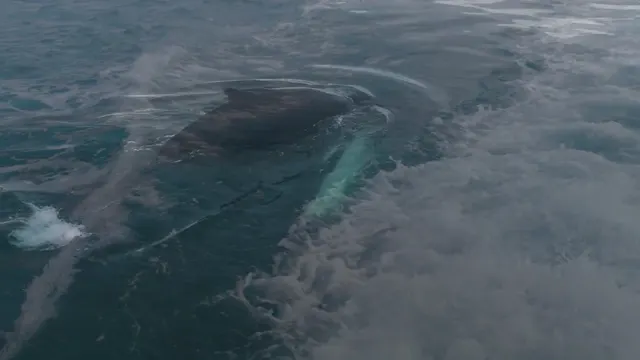 Crossfade
The next clip fades in over this one: a soft, invisible cut.
Crossfade
The next clip fades in over this one: a soft, invisible cut.
 Fade to black
Fades down to black, then up into the next clip: a clean scene break.
Fade to black
Fades down to black, then up into the next clip: a clean scene break.
 Dip to white
Flashes up to white and back down into the next clip: bright and energetic.
Dip to white
Flashes up to white and back down into the next clip: bright and energetic.
 Fade through colour
Fades down to a colour of your choice, then up into the next clip.
Fade through colour
Fades down to a colour of your choice, then up into the next clip.
 Slide
The next clip slides in over this one from the edge. The direction is yours.
Slide
The next clip slides in over this one from the edge. The direction is yours.