Caption styles Caption style Boxed Work Sans box highlighter yellow explainer education notes

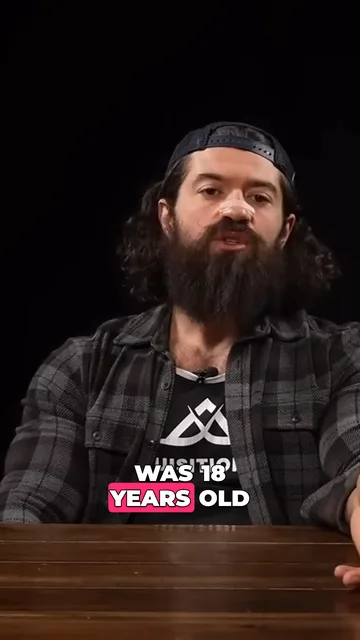
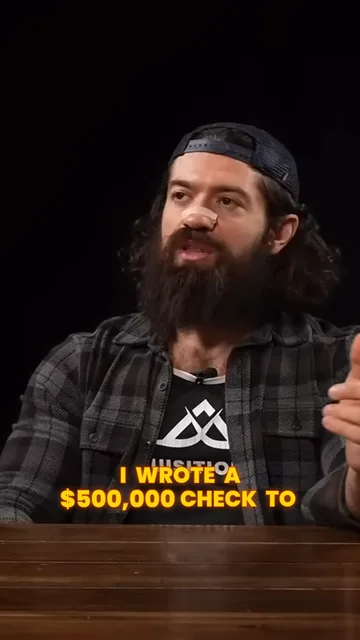
Marker caption style Dark text on a bright plate, the spoken word swiped with a highlighter.
- Kind
- Caption style
- Style
- Boxed
- Font
- Work Sans
- Works in
- 9:16, 16:9, 1:1, 4:5
- Price
- Included on all plans
Preview
How to use it
Ask CoDirector
Say it in your own words, in the prompt box of any project. CoDirector does the rest.
“Caption my video in the Marker style”
In the editor
- Open your video in the editor and choose Captions.
- Pick Marker. The words are timed to the voice for you.
- Change the font, colours or position, or keep it as it is.